How to Track Affiliate Commissions in WooCommerce Without Any Extra Accounts?
Stop Managing Affiliates in Spreadsheets — There's a Better Way
You've got a handful of affiliates promoting your WooCommerce store. One sends you a WhatsApp message asking how many sales they made this month. Another wants to know their commission balance. A third used a coupon code you gave them, but you're not sure if the order actually went through.
So you open a spreadsheet. You cross-reference WooCommerce orders. You add up numbers manually. You make a note to pay someone via bKash next Tuesday — and then forget which period you were paying for.
Sound familiar?
Running an affiliate program without the right tools is exactly this painful. Most WooCommerce affiliate plugins either require affiliates to create accounts and log in, connect to a third-party service, or cost a significant monthly fee just to track a few referrals. For small stores and course sellers, that's overkill.
CouponLedger is a lightweight WordPress plugin that solves this specific problem — simply, securely, and entirely within your own website.
What Is CouponLedger?
CouponLedger is a WooCommerce affiliate plugin that transforms your existing WooCommerce coupons into a complete affiliate tracking system. You manage everything from one clean WordPress admin panel: who your affiliates are, which coupons belong to them, how much commission they've earned, and what you've already paid. No third-party dashboards, no data leaving your server, no monthly SaaS fees.
It's built for store owners who already use WooCommerce coupons and want to turn them into a proper affiliate program without rebuilding their entire setup.
The Standout Idea: Affiliates Need Zero Accounts
Most affiliate plugins require your partners to register, verify their email, log in, and navigate a dashboard. For small affiliate programs — think a few influencers, content creators, or local referral partners — this friction is unnecessary and often annoying for everyone involved.
CouponLedger takes a different approach entirely.
Your affiliates never create an account. They never log in. Instead, each affiliate gets two things:
A referral link — a clean
/go/your-codeURL they share on social media, in emails, or on their websiteA private stats page — a token-based, login-free page showing their order count, total sales, and traffic numbers
That's it. No passwords. No registration forms. Just a link and a page.
When someone clicks the referral link, their coupon is automatically applied at checkout. The sale is credited to the affiliate. The affiliate checks their stats page anytime without logging into anything. And you, the store admin, see everything from your WordPress dashboard.
How CouponLedger Works: A Simple Walkthrough
Getting up and running takes under ten minutes. Here's the full flow:
Step 1 — Add your affiliate
Go to CouponLedger → Affiliates and add a new affiliate. Fill in their name, contact details, payment method (bKash, Nagad, bank transfer, cash), and their commission rate — say, 10%.
Step 2 — Map a coupon
Head to Coupon Map. Your existing WooCommerce coupons appear in a list. Pick the coupon you want to assign and select the affiliate from a dropdown. One click assigns it.
Step 3 — Share the referral link
CouponLedger generates a clean referral link for each affiliate — something like yourstore.com/go/rahim20. Share it with your affiliate. When a customer clicks it, the coupon is silently applied at checkout. No awkward "enter your coupon code" step for the customer.
Step 4 — Sale is tracked automatically
When an order completes, the plugin logs it: which affiliate, which coupon, order total, discount given, and commission earned. Commission is calculated automatically (order total × commission rate). Nothing manual on your end.
Step 5 — Record the payout
When you've paid your affiliate, go to CouponLedger → Payments, record the amount, the payment method, and a transaction reference. The unpaid balance updates instantly. Your ledger stays clean.
Key Features Worth Knowing
Referral Link Tracking With Attribution
Each affiliate's /go/ link uses 30-day, last-click attribution. If a visitor clicks the link, browses away, and comes back within 30 days, the sale still credits the right affiliate. The system also prevents a discount from being double-applied if someone already has a coupon in their cart.
Traffic Visibility Per Affiliate
The plugin tracks unique visitors coming through each referral link and shows the number alongside the affiliate's sales data. This gives you a basic conversion picture — how much traffic is an affiliate sending versus how many sales they're actually generating.
A Stats Page Affiliates Can Actually Use
Each affiliate gets a private stats page accessible via a unique token link — no login required. They can see their order count, total sales volume, and traffic stats. Crucially, no customer names, emails, or order details are ever visible to affiliates. Privacy is maintained by design.
Commission Dashboard With Date Filters
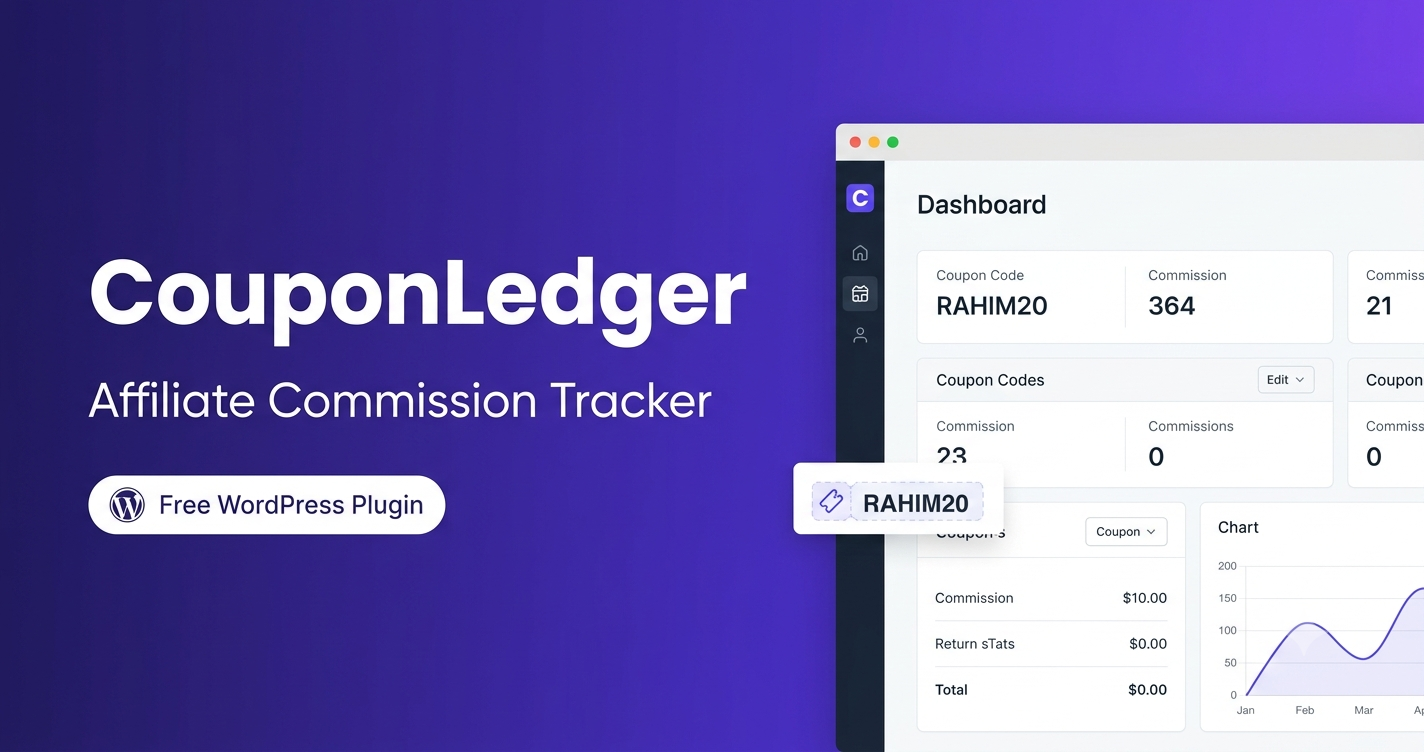
The main dashboard shows KPI cards for total orders, total sales, total discount given, and total commission owed — all filterable by date range. There's a commission trend chart showing month-by-month performance, and a full summary table ranked by commission earned.
Payout Tracking and Unpaid Balances
For each affiliate, the plugin calculates earned commission minus recorded payments to show the current unpaid balance. When you record a payment, you log the method, a reference number (e.g. a bKash transaction ID), and the period it covers. Nothing complicated — just a clean ledger.
CSV Export
Export an affiliate commission summary or a full order-by-order breakdown for any affiliate, filtered by date. Useful for tax records, accountants, or just keeping a paper trail outside WordPress.
Data Stays on Your Server
All tracking data — order logs, affiliate records, visitor counts, hashed IPs — is stored in your own WordPress database. Nothing is sent to a third-party server. This matters both for privacy compliance and for store owners who prefer to keep their business data in-house.
Who Is CouponLedger For?
CouponLedger is a good fit if you:
Run a WooCommerce store and already use coupon codes for promotions
Work with a small number of affiliate partners — influencers, bloggers, referral partners, or local brand ambassadors
Want a simple affiliate commission tracker without paying for enterprise-level software
Sell physical products, digital downloads, or online courses via WooCommerce
Prefer tools that keep data on your own server rather than a third-party platform
Pay affiliates manually via bKash, Nagad, bank transfer, or cash and just need a clean record of what's owed
It's probably not the right tool if you need hundreds of affiliates self-registering, multi-level commission structures, or automatic bank payouts. For simple, admin-managed affiliate programs, though, it covers everything you actually need.
A Cleaner Way to Run Your Affiliate Program
Affiliate marketing doesn't have to mean complex software, monthly subscriptions, or affiliates navigating registration forms. For most small WooCommerce stores, the real need is straightforward: know who referred a sale, calculate what you owe them, and keep a record when you pay.
CouponLedger handles exactly that — built into WordPress, using the coupons you already have, with a clean interface that won't slow you down.
If you've been managing affiliate commissions in a spreadsheet or relying on mental notes, it's worth giving a purpose-built tool a try.
CouponLedger is a free WordPress plugin developed by Shahriar Shuvo. Install it from your WordPress admin or download it at shuvogt.com.