Stop Reaching for a Plugin: Why WordPress Custom Code Beats Plugin Bloat Every Time
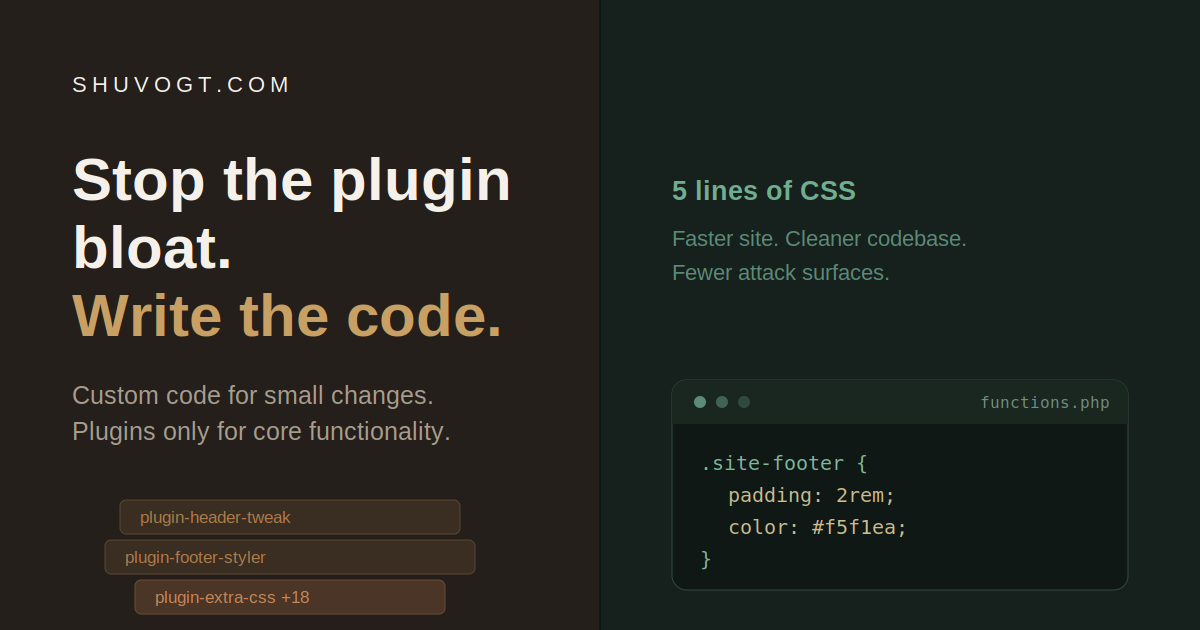
WordPress developers — we need to talk.
I'm Shahriar Shuvo, a website developer in Bangladesh, and after years of building and rescuing WordPress sites, I keep running into the same thing: if your answer to "style a footer" or "tweak a header" is to install yet another plugin, you're not building a website. You're assembling a liability. I've seen sites running 20-plus plugins just to handle changes that amount to a few lines of CSS, and every single one of those plugins is a tax the client keeps paying long after launch.
This isn't an anti-plugin rant. Plugins are essential — they're the reason WordPress powers a huge share of the web. The problem is how we reach for them. So let's have an honest conversation about WordPress custom code vs plugins, and why the "less is more" approach wins for your clients in the long run.
The Real Cost of Too Many WordPress Plugins
Here's the uncomfortable math. Every plugin you add to a WordPress site is three things at once:
A performance hit. More plugins mean more code loaded on every page, more database queries, and more third-party scripts firing in the background. Each plugin adds extra code that can increase page load time, strain your server, and drag down your Core Web Vitals — the exact metrics Google uses to rank you. A bloated site doesn't just feel slow; it costs you search visibility.
A security vulnerability. This is the one that should keep you up at night. According to research cited by WordPress security tools, 96% of hacked WordPress sites were compromised through vulnerable plugins, and outdated plugins are among the most common entry points for hackers. Every plugin is a door into your client's site. Some of those doors are built by part-time developers who may abandon the project the moment a new WordPress version ships, leaving the lock permanently broken. TeamUpdraft
A dependency you don't control. When you install a plugin, you're betting your client's site on a stranger's roadmap. Will it stay updated? Will it conflict with the next core release? Will it start injecting upsell notices into the admin dashboard? You can't answer any of those questions, because the code isn't yours.
How Many WordPress Plugins Are Too Many?
People love asking for a magic number — is 10 too many? Is 30? The honest answer is that the number itself isn't the real issue. A site running well-coded, updated plugins could perform better than a site running just a handful of outdated or poorly developed ones. TeamUpdraft
But here's the practical rule of thumb worth adopting: if you're past roughly 20 active plugins, it's time for an audit. Not because 20 is a hard ceiling, but because beyond that point, overlap, abandonment, and heavy front-end scripts become far more likely. And critically — if any of those plugins exist solely to handle cosmetic tweaks a developer could write in minutes, they shouldn't be there at all.
That's the distinction that matters. The question isn't "how many plugins do I have?" It's "is each plugin earning its place?"
The Better Approach: Custom Code for Small Changes, Plugins for Core Functionality
Here's the philosophy I'd argue every serious WordPress developer should adopt:
Use custom code for small changes. Use plugins only for genuine core functionality.
Need to restyle a footer? That's CSS in your child theme — not a plugin. Want to tweak a header layout, add a custom post type, or adjust how an element displays? That's a few lines in functions.php or a small custom snippet — not a plugin with fifty features you'll never touch.
Reserve plugins for the heavy lifting that genuinely warrants third-party code: e-commerce engines like WooCommerce, robust SEO frameworks, caching layers, security monitoring, backups. These are mature, well-maintained tools solving complex problems you shouldn't reinvent. The ideal WordPress implementation often combines quality core plugins with custom development for unique requirements, creating a balance between convenience and customization. White Label Coders
For everything in between — the styling, the small behavioral tweaks, the "I just need this one thing" requests — write the code.
Do It the Right Way (So It Actually Lasts)
Writing custom code in WordPress isn't about cowboy-editing core files. There's a disciplined way to do it that keeps sites maintainable:
Use a child theme. Developers install the original theme, then create a child theme version of it, so custom code won't break when the parent theme is updated. This is non-negotiable for theme-level styling. WP Engine®
Build a small custom functionality plugin for non-design code. Rather than adding functional code to your theme, develop a proper plugin that works independently of your theme choice. That way, switching themes never wipes out your functionality. White Label Coders
Prefix everything. All globally accessible code should be prefixed with a unique identifier of at least four or five letters to prevent conflicts with other plugins. WordPress
Test in staging first. Never debug a plugin conflict or push custom code straight to a live client site.
Yes, It Takes Longer. That's the Point.
Let's be honest about the trade-off. Writing custom code takes more time than clicking "install." It demands actual skill — you need to know your CSS, your PHP, your hooks and filters. The plugin route is faster today.
But "faster today" is exactly how you end up with a 20-plugin Frankenstein that breaks on the next update and takes three hours to debug. As one development team put it about the less-is-more approach: by using a small number of reputable plugins alongside locally built and constantly maintained code, you add needed functionality without adding unnecessary bloat. Rosemont Media, LLC
When you choose custom code for the small stuff, your clients get:
✅ A faster site — less code, fewer queries, better Core Web Vitals
✅ A cleaner codebase — code you understand, control, and can maintain
✅ Fewer attack surfaces — every plugin you don't install is a door that was never there to be broken
The Bottom Line
We're not in this to ship the quickest possible solution. We're here to build something that lasts — something a client can rely on a year from now without a surprise security breach or a sudden white screen after an update.
So the next time you catch yourself searching the plugin directory because you need five lines of CSS, stop. Open your child theme. Write the five lines. Your future self — and your client — will thank you.
That's the difference between someone who uses WordPress and a developer who actually builds on it.
Shahriar Shuvo is a website developer in Bangladesh who builds fast, secure WordPress sites without the plugin bloat. See the work at shuvogt.com.